Multiple Timer App for a Restaurant Kitchen: How to Run 10 Timers at Once Without Confusion
Why phone timer apps break down when a line runs many items at once, and how to set up named, colour-coded timers that every cook can read in a rush.
By the Next Stop Timer team, Winnipeg · · 4 min read
Short answer
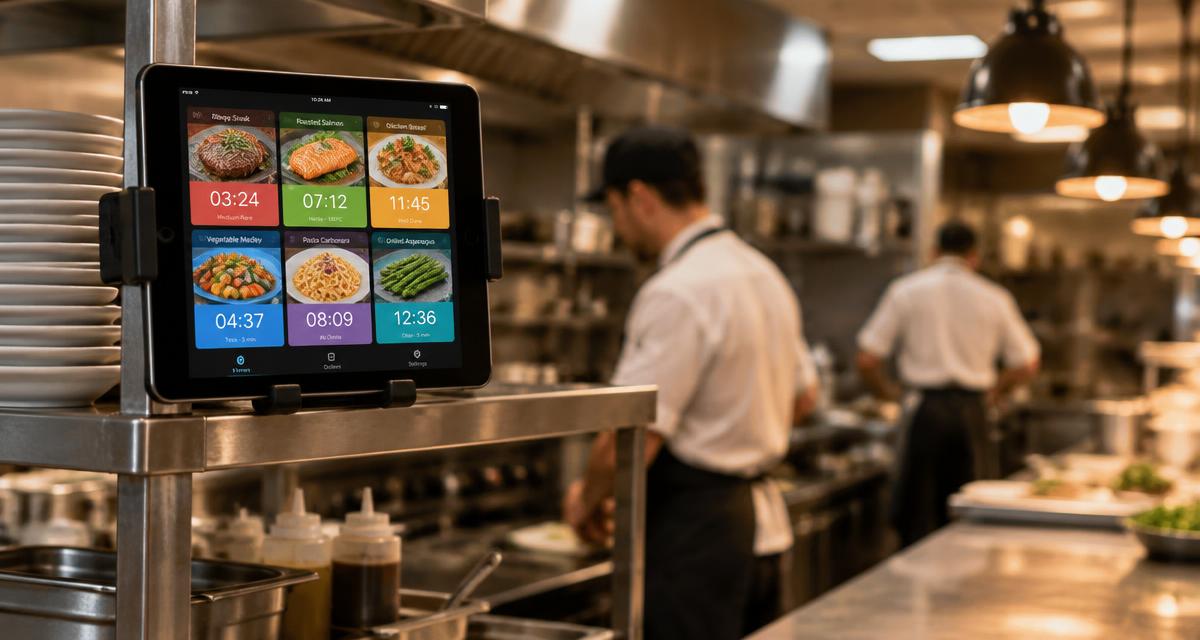
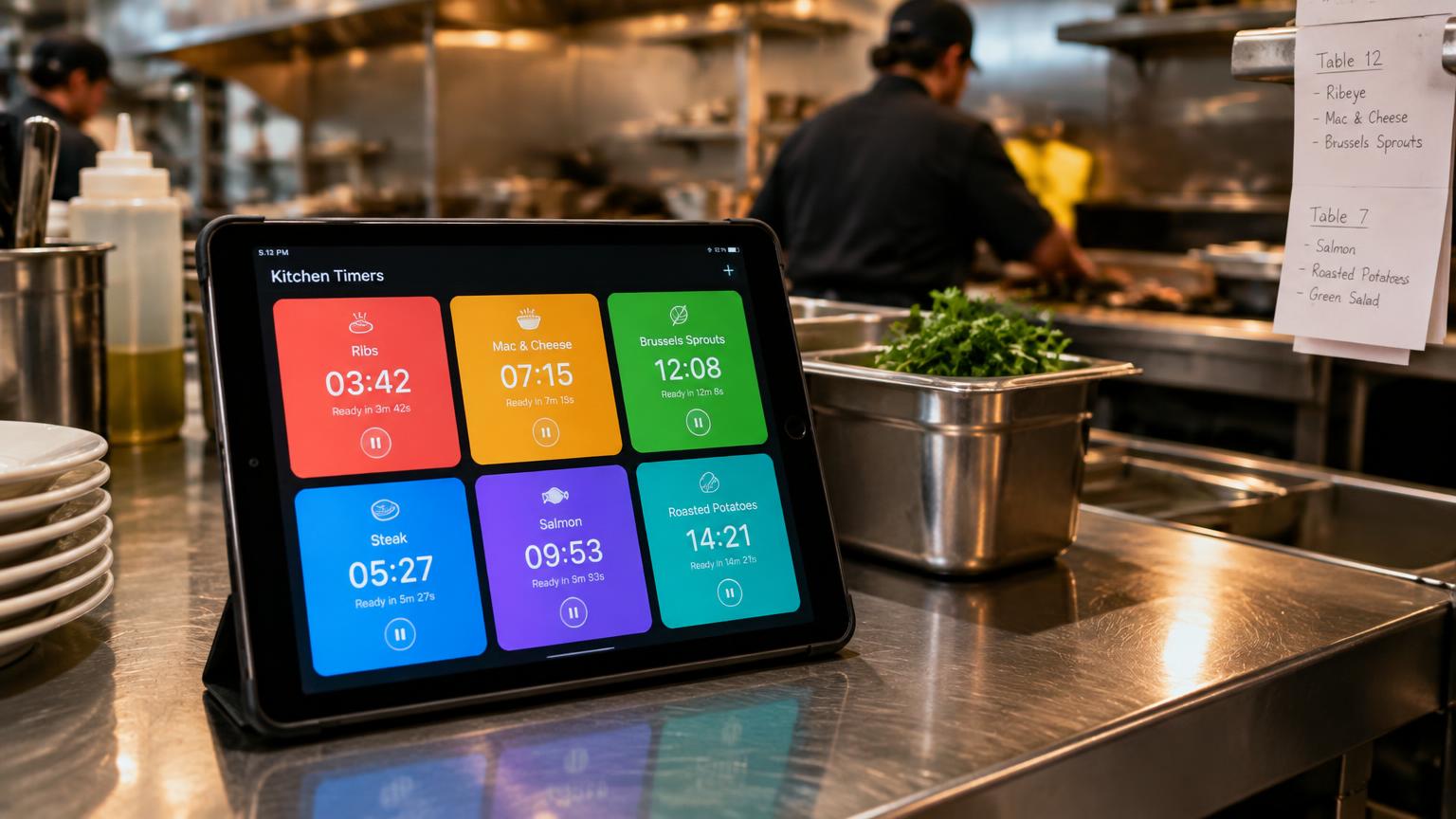
A good multiple timer app for a restaurant shows every running timer on one screen, labels each one with the food it belongs to, and changes colour as each one gets close to done. Next Stop Timer does this on an iPad: each menu item is a button, each tap starts a new batch, and nothing is hidden behind another screen.
Why general multi-timer apps struggle on a line
Most multi-timer apps are built for home cooking or workouts. You type a name and a time, and the timers sit in a small list. On a busy line nobody has time to type, the list text is too small to read from the fryer, and two timers called "Timer 3" and "Timer 4" tell a cook nothing.
Restaurant timing is also repetitive: the same item runs dozens of times a shift. Re-entering it each time wastes seconds and invites mistakes.
How to set up many timers that stay clear
1. Make one preset per menu item with the exact cook or hold time from your recipe card.
2. Group presets by station — fryer, grill, prep — so each cook sees only their own items.
3. Use colour stages: green while cooking, yellow when almost done, flashing red when ready.
4. Allow several batches of the same item, with a count so cooks know how many are running.
5. Show the original time on each button (for example 6:00), so it is obvious which one to tap again.
6. Give each tablet its own menu if you have more than one station.
Should timers depend on Wi-Fi?
No. A timer should count from the moment it was started using the device's own clock. If the internet drops in the middle of service, every countdown should keep going. Next Stop Timer works this way; the internet is only used to back up the menu and history.
Questions
How many timers can run at the same time?
In Next Stop Timer there is no practical limit — every tap starts a new batch, and each item card shows how many are running.
Can two tablets show different timers?
Yes. Each tablet can use its own menu, for example one for the fryer station and one for prep.
Is there a free trial?
Yes, 7 days free. After that it is $29 CAD per month per location through the App Store.
Try Next Stop Timer on your iPad
7-day free trial, then $29 CAD per month per location.
Open the live demo