How to Time Fryer Batches in a Restaurant Kitchen (Without Burning or Undercooking)
A simple system for timing fries, wings and other fryer batches on a busy line: presets, one timer per basket, colour warnings and a clear ready signal.
By the Next Stop Timer team, Winnipeg · · 4 min read
Short answer
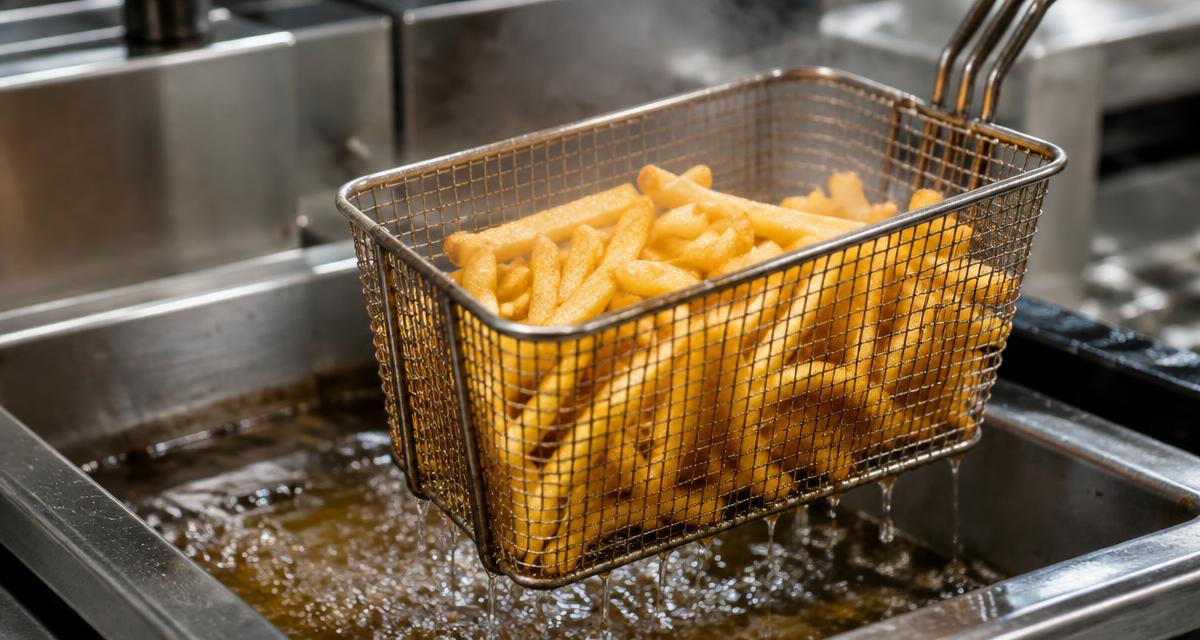
Give every fryer item a fixed preset time, start one timer per basket the moment it drops, and use a warning stage before the alarm so the cook is already walking over when it goes off. A shared screen that everyone can see works better than timers in people's pockets.
Step 1: Write down your real cook times
Cook times depend on your oil temperature, fryer, product and basket size, so take them from your own recipe cards or supplier instructions rather than a generic chart. Save each one as a named preset, for example 'Fries 6:00' or 'Wings 10:00'.
Step 2: One timer per basket
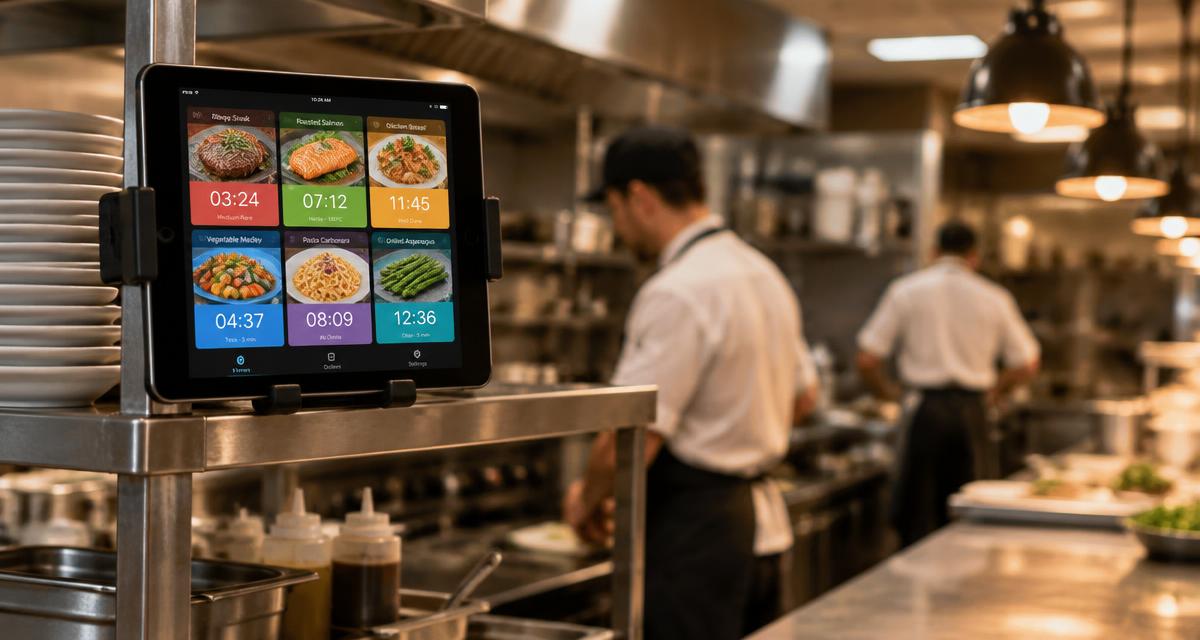
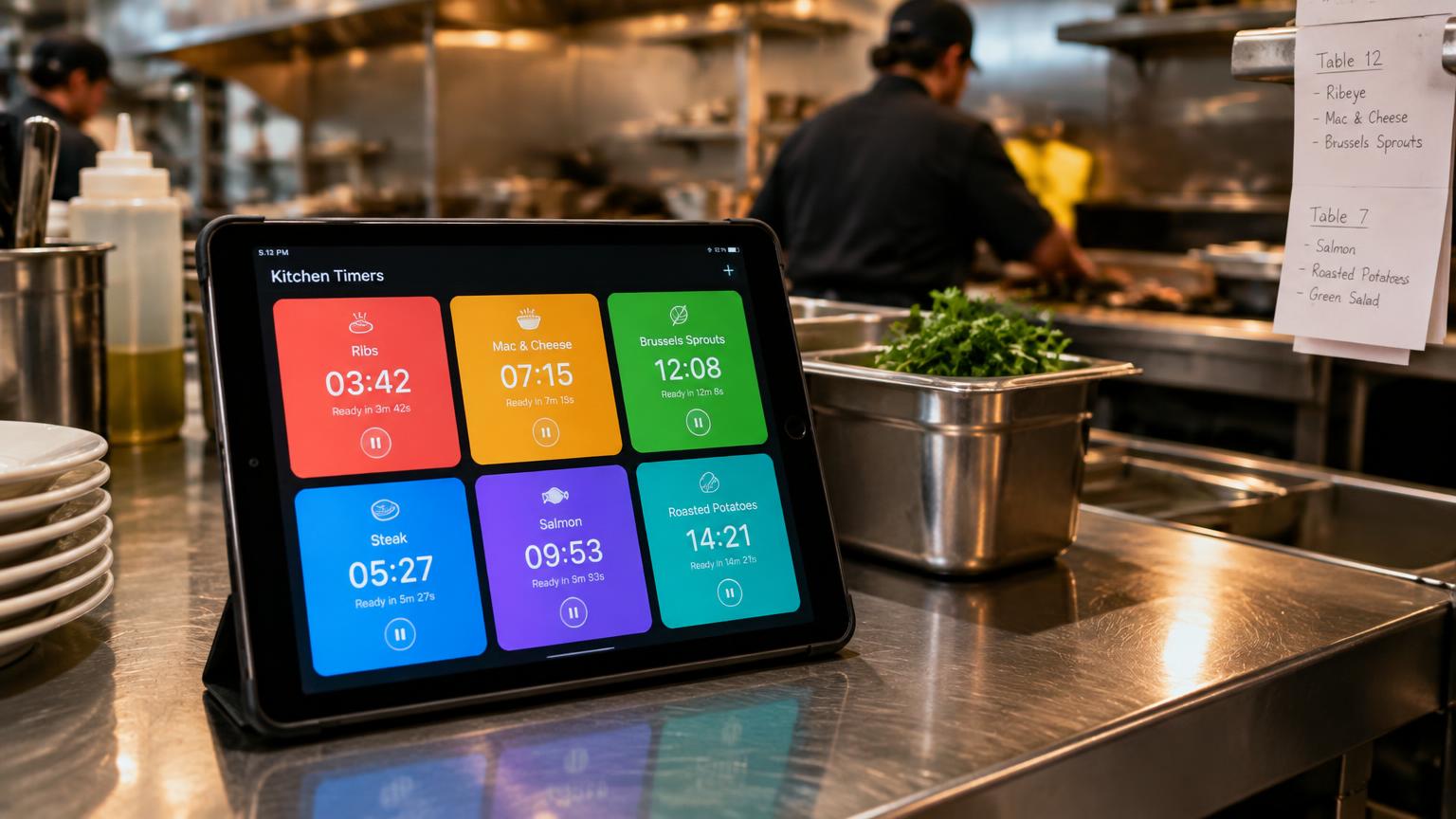
The most common mistake on a rush is running one timer for two baskets that dropped a minute apart. Start a new batch timer for every basket. In Next Stop Timer, tapping the same photo again simply adds another batch with its own countdown.
Step 3: Add a warning before ready
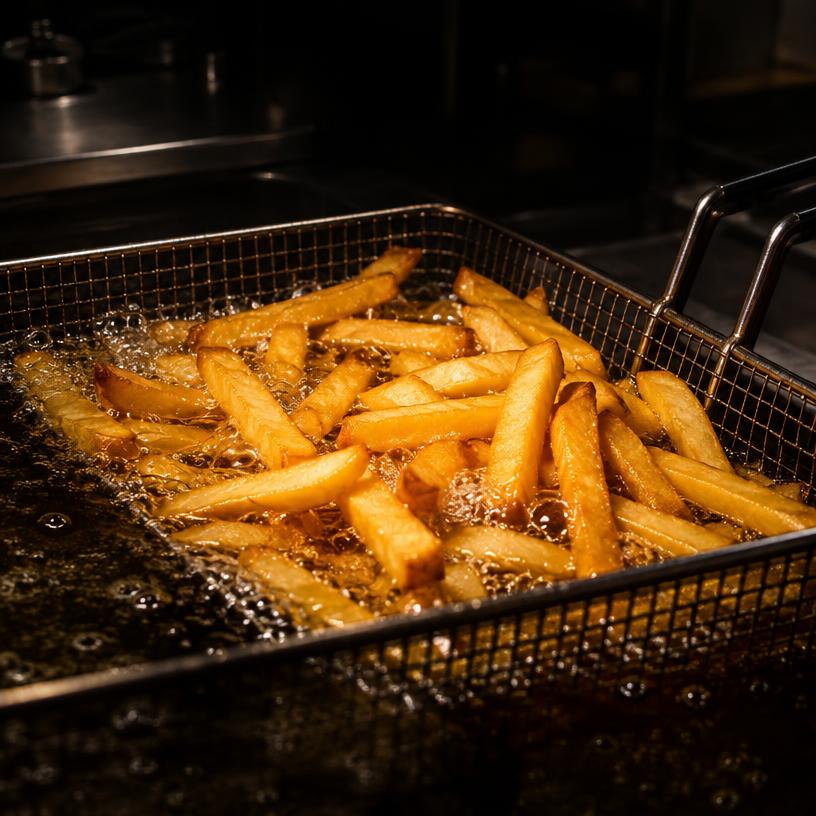
A yellow 'almost done' stage (for example the last 30 seconds) gives the cook time to finish what they are doing. Then the card turns flashing red with a loud alarm, so nobody has to watch the clock.
Step 4: Make the ready signal impossible to miss
Put the iPad where the whole line can see it and connect a Bluetooth speaker if the kitchen is loud. The alarm should keep going until a cook clears it — in Next Stop Timer that is a double-tap on the card.
Step 5: Lock the times and review
Keep settings behind a manager password so presets are not changed mid-shift, and look at the timer history to see how many batches each item runs per day.
Questions
How long should I fry french fries?
It depends on your product, oil temperature and fryer. Use the time on your supplier's instructions or recipe card and save it as a preset.
What is the best way to track many fryer baskets?
Use one timer per basket on a shared screen, with colour stages so cooks can see at a glance which basket is next.
Try Next Stop Timer on your iPad
7-day free trial, then $29 CAD per month per location.
Open the live demo