Best Commercial Kitchen Timer App for iPad: What a Busy Line Actually Needs
A practical buyer's checklist for restaurant kitchen timers on iPad: multiple batches at once, loud alarms, offline use, colour status and preset food buttons.
By the Next Stop Timer team, Winnipeg · · 4 min read
Short answer
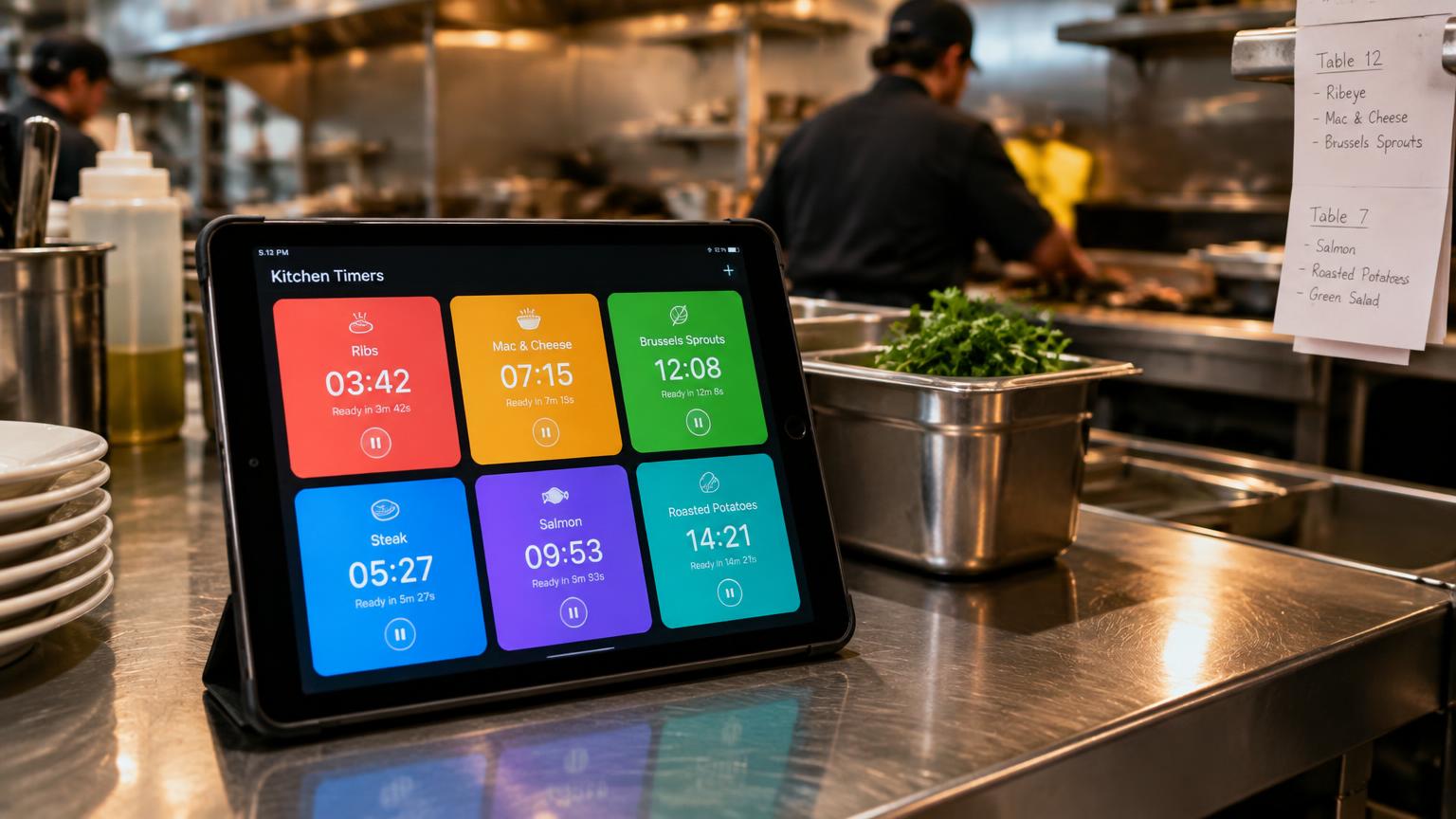
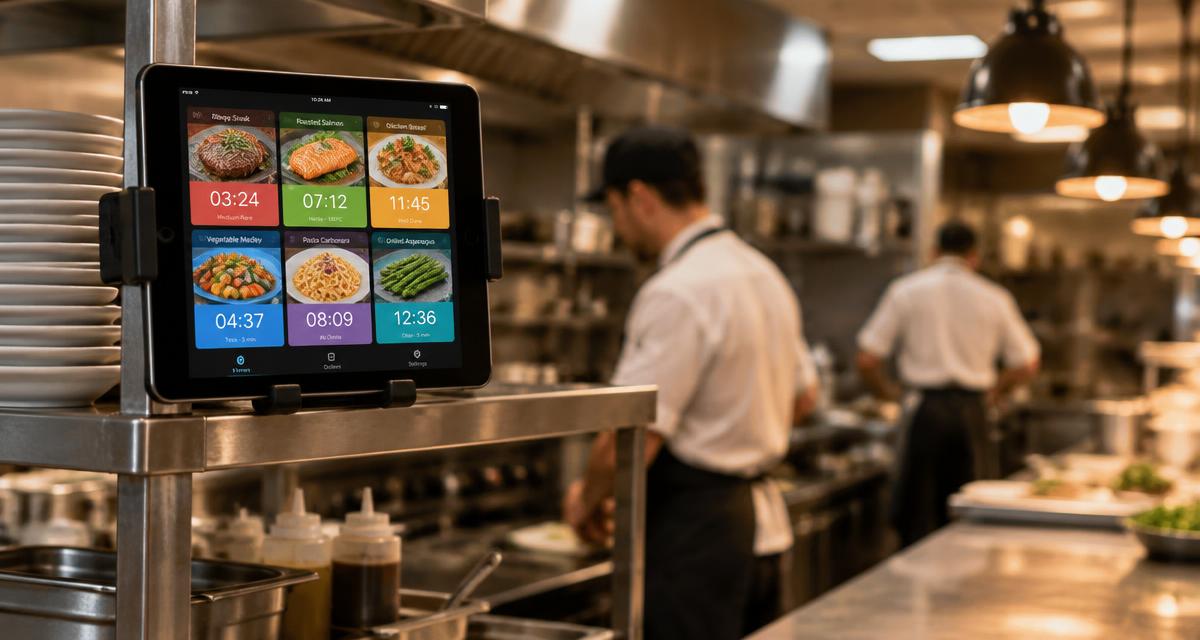
For a restaurant line, the best kitchen timer app on iPad is one a cook can start with one tap, read from across the kitchen, and trust without Wi-Fi. Next Stop Timer was built for exactly this by a restaurant owner in Winnipeg: each menu item is a photo button, many batches can run at the same time, and every card changes colour as it gets close to done.
Why phone timers and egg timers fail on a busy line
A phone timer runs one countdown, hides behind a lock screen and has no idea which basket is which. Plastic timers get greasy, break after a year or two and all beep the same way, so nobody knows which fryer is ready.
A commercial line needs named timers tied to menu items, several batches of the same item at once, and an alarm that keeps going until a cook confirms it.
Checklist: 7 things to look for
1. One-tap presets with food photos, so new staff do not have to type times.
2. Multiple batches per item — two baskets of fries need two independent countdowns.
3. Colour status readable from a distance: idle, cooking, almost done, ready.
4. A loud, repeating alarm that can play through a Bluetooth speaker.
5. Works offline. Timers should be based on clock time, not on an internet connection.
6. Screen stays awake on a wall-mounted or counter iPad.
7. Locked settings so cooks cannot change cook times by accident, plus history for managers.
How Next Stop Timer handles it
Cards turn blue when idle, green while cooking, yellow when almost done and flashing red with an alarm when ready. A double-tap clears a ready card, with a short undo in case of a mistake. Each card shows the original time (for example 6:00) on the photo, so a cook can see which timer to tap again even while another batch is running.
It runs on the iPad a restaurant already has. After a 7-day free trial it costs $29 CAD per month per location through the App Store, and you can cancel any time before day 7 at no charge.
Questions
Does a kitchen timer app work without Wi-Fi?
Next Stop Timer does. Timers run on the iPad itself; the internet is only used to back up your menu settings and history.
Can I run several timers for the same item?
Yes. Each tap starts a new batch, and the card shows how many batches are running.
Can the alarm play through a speaker?
Yes. Connect the iPad to a Bluetooth speaker and the alarm plays through it.
Try Next Stop Timer on your iPad
7-day free trial, then $29 CAD per month per location.
Open the live demo